How to Stop Claude Code From Following Outdated Decisions
Share

I spent this week trying to stop Claude Code from following outdated decisions, and the first thing I learned is that the agent wasn't the problem. I was.
Here's what happened. I have a small workflow that drafts blog posts for me twice a week. Last Friday I told it to stop writing about one topic, saved the fix, and moved on. On Tuesday it wrote that exact post again. The fix was real. It just lived in a JSON file the workflow had stopped reading weeks earlier, and I had a note from September saying exactly that. Two true notes, saved months apart, and nothing connecting them. The old JSON file was still sitting in the repo looking completely official.
So I did what I should have done earlier and asked on r/ClaudeCode: how do you stop Claude Code from following a decision you already reversed? About a dozen people answered, some of them with setups far more careful than mine. This post is what they told me, plus the parts that, by their own admission, don't really work.
Why the old decision keeps winning
Someone in the thread summed up the mechanism in one line, and it changed how I think about this: an old note doesn't lose just because a newer one exists. It loses only when the correction travels with it. Mine never did. When Claude Code looks for context, it takes whatever matches the question best. The old decision usually matches better. It was written when the topic was fresh, so it's longer and more detailed. Your correction is one line typed in a hurry. And if both show up at once, nothing says which one is current. "Use Redis for sessions" and "drop Redis, sessions go in Postgres" are both confident. The agent picks one.
I wrote earlier about the opposite failure, when a decision never reaches the session at all. This is the other half: it arrives, and it's the old one.
What people actually do
Fix it where the agent will look anyway
The most practical answer I got was also the most obvious, and I'd missed it completely: deal with the stale file itself. If nothing uses it anymore, remove it. If it has to stay, say so at the top of the file, in plain words, that it's no longer what the workflow runs on.
The argument behind it is what convinced me. My agent was going to open that file regardless of what my memory search returned. A warning in a separate note might or might not show up. A warning inside the file shows up every single time someone opens it, human or agent.
Give every fact one home, and edit it there
The most common setup: one fact per file. Before saving anything new, the agent checks whether a file already covers it, and updates that one instead of creating a duplicate. If the old fact turned out to be wrong, it gets deleted. History lives in git, or in a monthly archive the agent never reads.
One person added a clever guard on top: an automated check before pushing that complains when docs start collecting dated "we changed this on…" lines. Those notes are how a file turns into a timeline of old decisions, and the check stops it before it starts.
Where it breaks: the agent doesn't always do the "check first" part, especially deep into a long session. And the moment a fact has leaked into three places, editing one leaves the other two voting for the old version.
Mark the old one as replaced instead of deleting it
Someone working on a very large codebase described a layout I'm now a little jealous of. Roughly:
CLAUDE.mdis only about how to work in the repo. No facts in it.- One folder describes how each part of the system works today, and points to the code and the decisions behind it.
- One folder holds the decisions themselves, as architecture decision records (ADRs). A decision that changes isn't removed; it's marked as replaced, with a pointer to the decision that replaced it.
- One folder is the agent's scratchpad for work in progress.
I like the "replaced by" pointer because it keeps the why of the old decision, which is exactly what stops someone from proposing it again next month. In a memory tool the same idea is a link between the two notes saying "this one replaces that one". I wrote about how those links work.
Where it breaks: someone has to write that line. Forget it once and you're back to two confident records.
Keep the current rules in one place, and treat logs as history only
The most honest reply in the thread came from someone who went back through a month of their own sessions to see what was going on. What they found was a collection of small contradictions, each one harmless alone. One file claimed a safety check was disabled while the project settings still ran it. Two copies of the same instruction file had drifted apart. And they'd given the agent opposite instructions about asking for permission at two different times. Both were still lying around, so the agent simply obeyed whichever one it came across first.
Their fix was structural. The rules that must hold now sit in a single file that gets read at the start of every session. Session logs are only ever added to, and the agent is instructed not to treat them as instructions, so an old decision buried in a log can't resurface as an order. And instead of letting the agent pull from its built-in memory, they make it go through their notes.
Use a check, not a sentence
Two people arrived at the same idea from different directions. One reminded me that an instruction is only ever a request to the model; anything that truly must not drift needs something in code that enforces it. The other runs a small hook that asks a model to look for contradictions every time an instruction or memory file changes, plus a tool that flags instructions overlapping each other, since overlaps are where conflicts tend to hide.
My own bug fits this perfectly. The only thing protecting "don't write this topic again" was a note, and a note can be overruled by another note. A failing check can't.
When it breaks anyway, clean up properly
One developer treats every one of these as a small incident. First they get Claude to explain what went wrong and how to avoid it. Then several different models look over the proposed fix. The result is usually two changes: clearer wording in their rules, and removing the old information that led the agent astray. Their experience is that each round makes a repeat less likely.
The purge is the part I always underestimate. Fixing the rule takes a minute; finding every old note that still says the opposite can take an afternoon.
What doesn't stick
The same person who reviewed a month of sessions had also planned a weekly ritual: once a week, the agent suggests a few rule changes and they approve or reject them. I asked whether it worked. Their answer was refreshingly honest: it never actually happened. There was no trace of a single review, so they shelved that part of their setup.
That matched my own experience exactly. Anything that depends on me remembering to do it weekly just doesn't happen. What stuck, for them and for me, were the things that run on their own: the check that fails, the file that's deleted, the line at the top of the stale config.
And one reply was more skeptical than all the others: skip memory features entirely. When I asked what had gone wrong for them, it was both problems at once, outdated notes and irrelevant ones getting pulled in. Their broader point was that agents shouldn't be the ones deciding how other agents get instructed, at least for open-ended work. I think that's fair. The memory that helped me was never the stuff the agent chose to save on its own. It was the decisions I told it to save on purpose, with the reason attached.
The habit underneath all of it
Look back at every approach above and they share one move: deal with the old note in the same step you write the new one. Delete it, overwrite it, or mark it replaced. Just don't leave it standing next to its replacement.
In practice that's one sentence to the agent, at the moment you change your mind:
"This replaces what we decided about sessions last week. Find the old note and update it."
Cheap now. Expensive next week, after the agent has rebuilt the thing you tore out.
Where ContextForge fits, and where it doesn't
Straight answer, since I build it. ContextForge gives one memory to Claude Code, Cursor, Copilot, Claude Desktop and Windsurf. For this problem it helps with the retiring step:
memory_updaterewrites a memory in place, so you're not adding a second version next to the first.memory_relatelinks a new decision to an old one assupersedes, so a search that finds one brings the other along.- Memories can be tied to files and commits, and the agent is told when the code they describe has changed since, so stale notes get flagged instead of trusted.
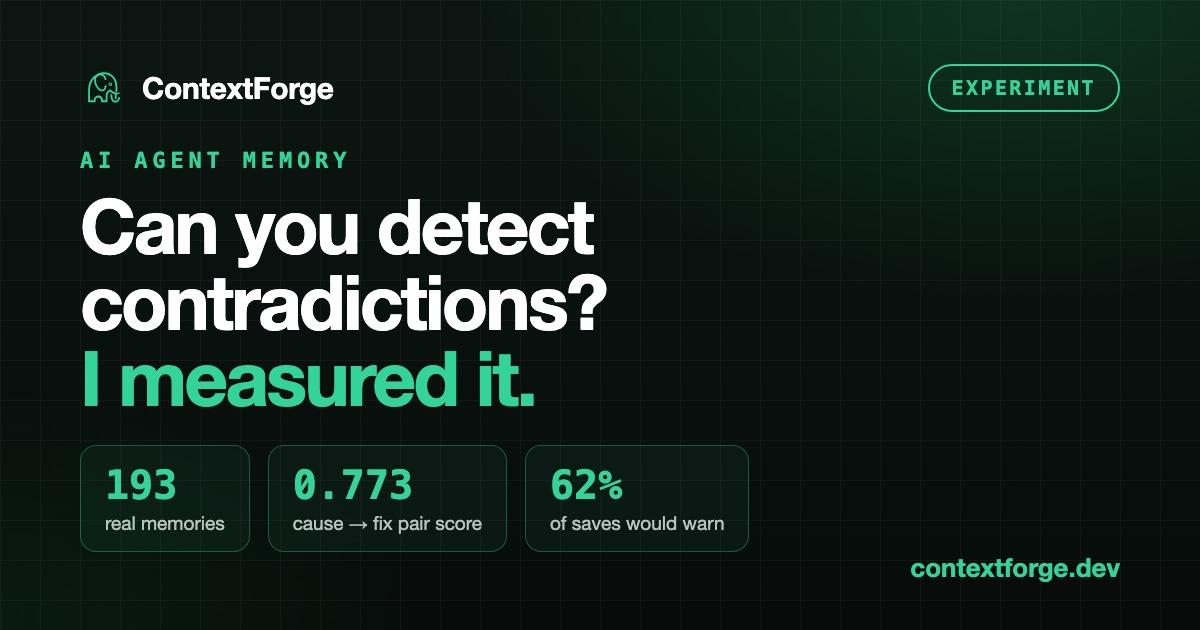
What it does not do is spot contradictions for you. I tried to build exactly that after this thread: warn on save when a new memory looks like an old one. I tested it on my own real memories and it didn't work. Similarity tells you two notes are about the same topic, and in a real project most notes are about the same few topics. I'll write that experiment up separately, with the numbers.
So the habit still applies. ContextForge makes retiring an old decision easier. It doesn't do it for you.
FAQ
Should I delete old decisions or keep them? Keep the reasoning, retire the instruction. Delete and let git hold the history, or keep the old record clearly marked as superseded. What you want to avoid is two unmarked versions side by side.
Is CLAUDE.md enough? For rules every session must follow, it's the right place. For decisions with a history, it tends to bloat and go stale. Most people in the thread used it for rules and kept decisions somewhere else.
Can a tool catch contradicting decisions automatically? Not reliably by comparing how similar notes are, in my testing. A model that reads both notes might, but that's slower and costs more on every edit.
One thing to do today
Think of the last decision you reversed on your current project. Before you close this session, ask your agent to find every note, doc or file that still states the old one. If it finds more than one, you've just found next week's bug early.
Share this article