Persistent memory for Claude Code, Cursor & Copilot
Stop re-explaining your project every session. One MCP memory server, every AI tool.
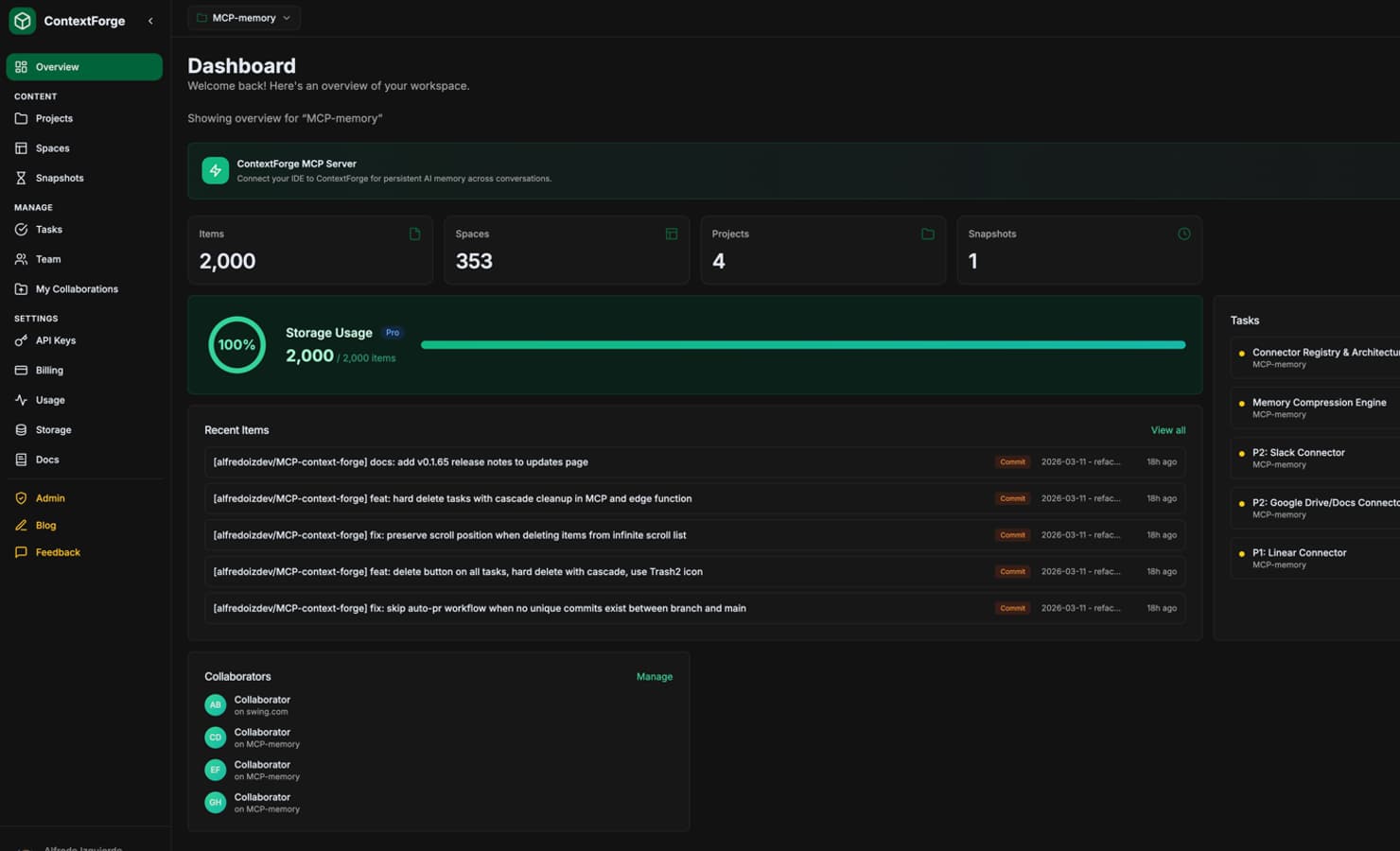
- decision
- Sessions live in Postgres, not Redis
- why
- One datastore to back up; Redis was only holding 40MB of sessions
- when
- 2026-04-11 · commit 8f2c1ad
- by
- dana@acme.dev
Every session starts from zero
Your AI assistant forgets the architecture, the naming rules and the reason you rejected an approach three weeks ago. So you paste the same context again, or you get a confident answer that contradicts a decision your team already made. ContextForge stores those decisions once and serves them to whichever tool you open next.
Without memory"We use Redis for sessions, so store the token there."
With memory"Per your 2026-04-11 decision, sessions go in Postgres. Writing to the sessions table."
One memory, shared across tools
Write a decision in Claude Code and Cursor reads it the same minute. ContextForge runs as a single MCP server, so every client connects to the same store instead of keeping its own copy.
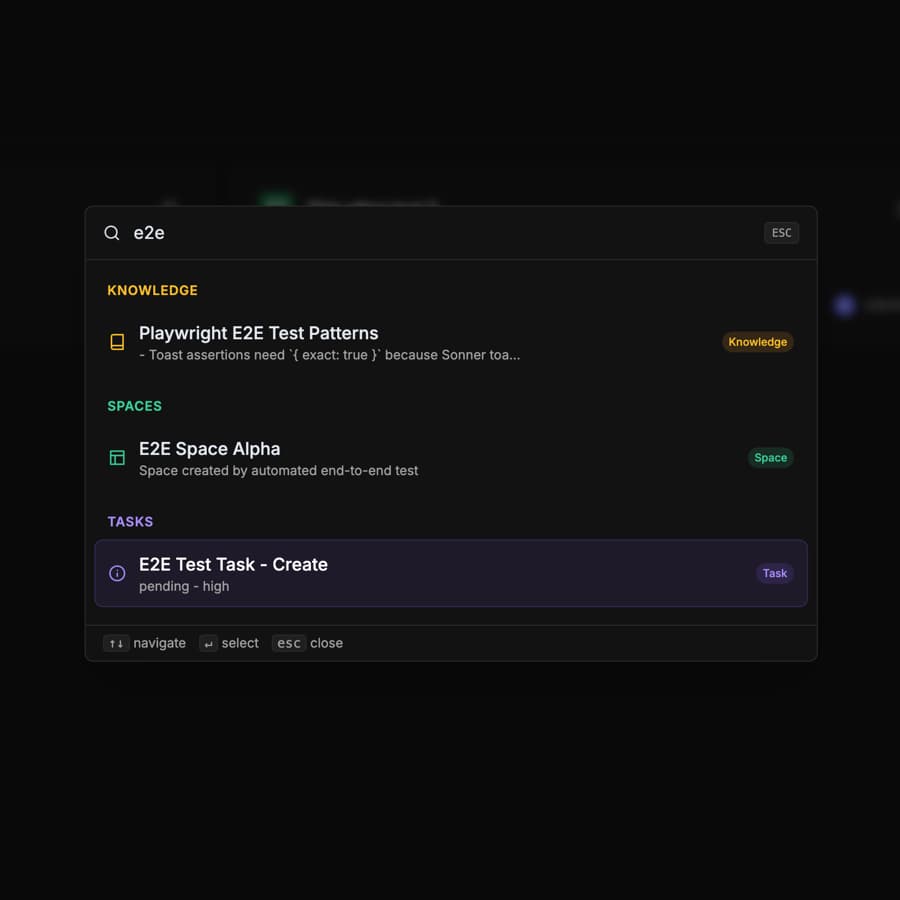
Semantic search over what you wrote
Ask in plain language. Queries match on meaning, so "how do we handle auth failures" finds the note filed as "401 retry policy" without exact keywords or tags.
Git and task context, kept current
ContextForge reads the branch, recent commits and open tasks alongside your notes, so an assistant answering today knows what shipped yesterday.
- Spaces
- Separate memory per repo, service or team.
- Snapshots
- Point-in-time copies you can restore or diff.
- Team
- Shared spaces with per-member roles.
- Session presence
- See which tools are connected right now.
- Import / Export
- Move memory in and out as JSON or Markdown.
- API keys
- Scoped keys for CI and your own scripts.
Tutorials
See how it works
Short walkthroughs of the features people ask about most. Watch the video or skim the article.
Claude Code Compaction: Why Your Session Forgets Mid-Task (and the Fix)
Last week I published a piece about handing off a Claude Code session without re-explaining everything. A reader left a comment that stuck with me: "Compacti...
6 min read
 Video
VideoGive Your AI Coding Agent a Memory That Survives Every Session
Give Your AI Coding Agent a Memory That Survives Every Session Open a new session with Claude Code, Cursor, or Copilot and it has no idea what you were doing...
2 min read
 Video
VideoSkills Were Dead Prompts. Routines Made Them Alive.
A few weeks ago I shipped Skills — a way to save AI prompts as reusable templates inside ContextForge , so my best prompts wouldn't keep dying in a Notion pa...
6 min read
 Video
VideoI Built Skills Because My Notes App Was Full of Dead Prompts
Open your Notes app right now. Search "prompt." Count what comes up. If you're anything like the 200+ developers I've talked to in the last six months, the a...
7 min read
Import Your AI Memory into ContextForge: Claude Code, ChatGPT, and Knowledge Graph
You've been building knowledge with your AI assistant for months — project decisions, API patterns, debugging notes. But that knowledge is scattered acro...
2 min read
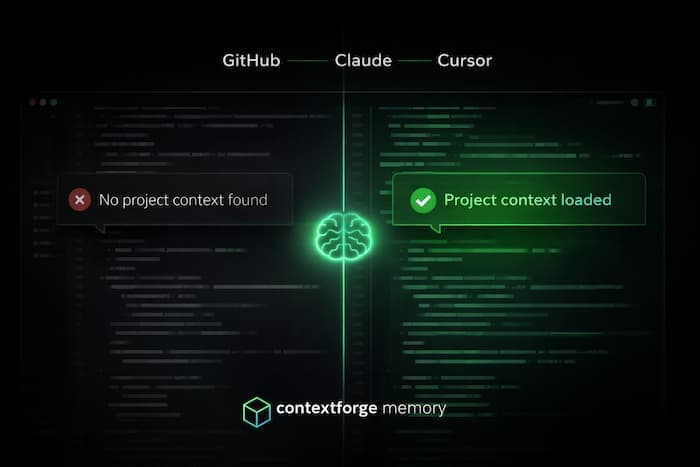
GitHub Copilot Now Supports MCP — Here's How to Give It Persistent Memory
GitHub Copilot just got MCP support. That means you can now connect external tools directly to Copilot's Agent Mode in VS Code. One thing you can do with...
3 min read
ContextForge Now Supports Cursor IDE: Persistent AI Memory Everywhere
{"time":1773257511919,"blocks":[{"id":"9ge_aeLB75","type":"paragraph","data":{"text":"If you've ever wished your AI coding assistant could remember things be...
2 min read

How to Give Claude Persistent Memory with MCP
Every conversation with Claude starts from zero. It doesn't remember the stack you chose last week, the naming conventions you prefer, or the bug you spent t...
5 min read
Pricing
Per month. Cancel any time.
Free
For personal projects
- 1 project
- 3 spaces
- 200 documents
- 500 semantic queries/mo
- 50 MB storage
- Import / Export
Pro
Most popularFor developers working across several repos
- 25 projects
- Unlimited spaces
- 5,000 documents
- 15,000 semantic queries/mo
- 1 GB storage
- Git integration
- 50 snapshots
- 5 collaborators
- 14-day free trial
Premium
For teams who need unlimited everything
- Unlimited projects and spaces
- 10,000 documents
- 20,000 semantic queries/mo
- 2 GB storage
- Unlimited snapshots and collaborators
- 14-day free trial