Claude Code vs Cursor vs GitHub Copilot: What Nobody Tells You About Context
The Comparison Everyone Makes
You've seen the charts. Claude Code uses Opus/Sonnet, Cursor supports multiple models, Copilot runs on GPT-4 and Claude. Cursor costs $20/month, Copilot is $10-19/month, Claude Code uses API credits.
One is an IDE, one is a terminal tool, one is a plugin.
This is all true and mostly irrelevant to your daily experience.
Because after the first week, the thing that matters most isn't which model generates better code. It's whether your AI tool understands what you're building — and whether it still understands it tomorrow.
How Each Tool Handles Context
GitHub Copilot
Copilot lives inside your editor. It reads your open files, your recent edits, and suggests completions in real-time. Its new agent mode can make multi-file changes and run commands.
What it remembers: The files you have open, your recent edits, and whatever fits in the conversation window. It recently added MCP support, which means it can now connect to external tools and data sources.
What it forgets: Everything, the moment you close the chat. Your next conversation starts completely fresh. Copilot has no built-in way to carry context between sessions. There's no project-level instruction file (though workspace settings help a bit).
Best at: Quick completions while you type. It feels invisible when it works — you barely notice it's there, which is exactly the point.
Cursor
Cursor is a full IDE built around AI. It indexes your entire codebase, understands file relationships, and uses that understanding when you ask questions or request changes. The .cursorrules file lets you set project-level instructions.
What it remembers: Your full codebase (via indexing), your .cursorrules, and the current conversation. Cursor's codebase awareness is genuinely impressive — it can reference files you haven't opened and understand how components connect.
What it forgets: Every conversation starts clean. Your .cursorrules persist, but those are static instructions, not accumulated knowledge. The debugging session where you found a tricky race condition? The architecture decision you made last Tuesday? Gone.
Best at: Working with large codebases. The codebase indexing gives Cursor a real advantage when you need to refactor across multiple files or understand how things connect. Surveys show 68% adoption among developers who use AI coding tools.
Claude Code
Claude Code runs in your terminal. It reads your project files, understands your codebase deeply, and can execute multi-step tasks with real autonomy — running commands, editing files, creating branches. The CLAUDE.md file gives project-level instructions.
What it remembers: Your full project structure, your CLAUDE.md instructions, and the current conversation. Claude's reasoning is deep — it handles complex, multi-step tasks better than the alternatives. The -c flag lets you continue a recent conversation.
What it forgets: Once a session is truly over, the knowledge is gone. CLAUDE.md helps with instructions, but it's a static file — not a searchable, growing knowledge base. The -c continue flag only works for recent sessions, not last month's work.
Best at: Complex tasks that require reasoning across many files. When you need to plan an architecture change, debug a subtle issue, or implement a feature that touches 15 files — Claude Code handles the complexity better than anything else.
The Gap They All Share
Here's what nobody talks about in these comparisons: all three tools have the same fundamental limitation. None of them remember anything meaningful between sessions.
- Copilot doesn't know why you chose PostgreSQL over MongoDB
- Cursor doesn't remember the three approaches you tried before finding the right one
- Claude Code doesn't recall the security concern your team flagged last sprint
Every morning, every tool, every user: you start from scratch.
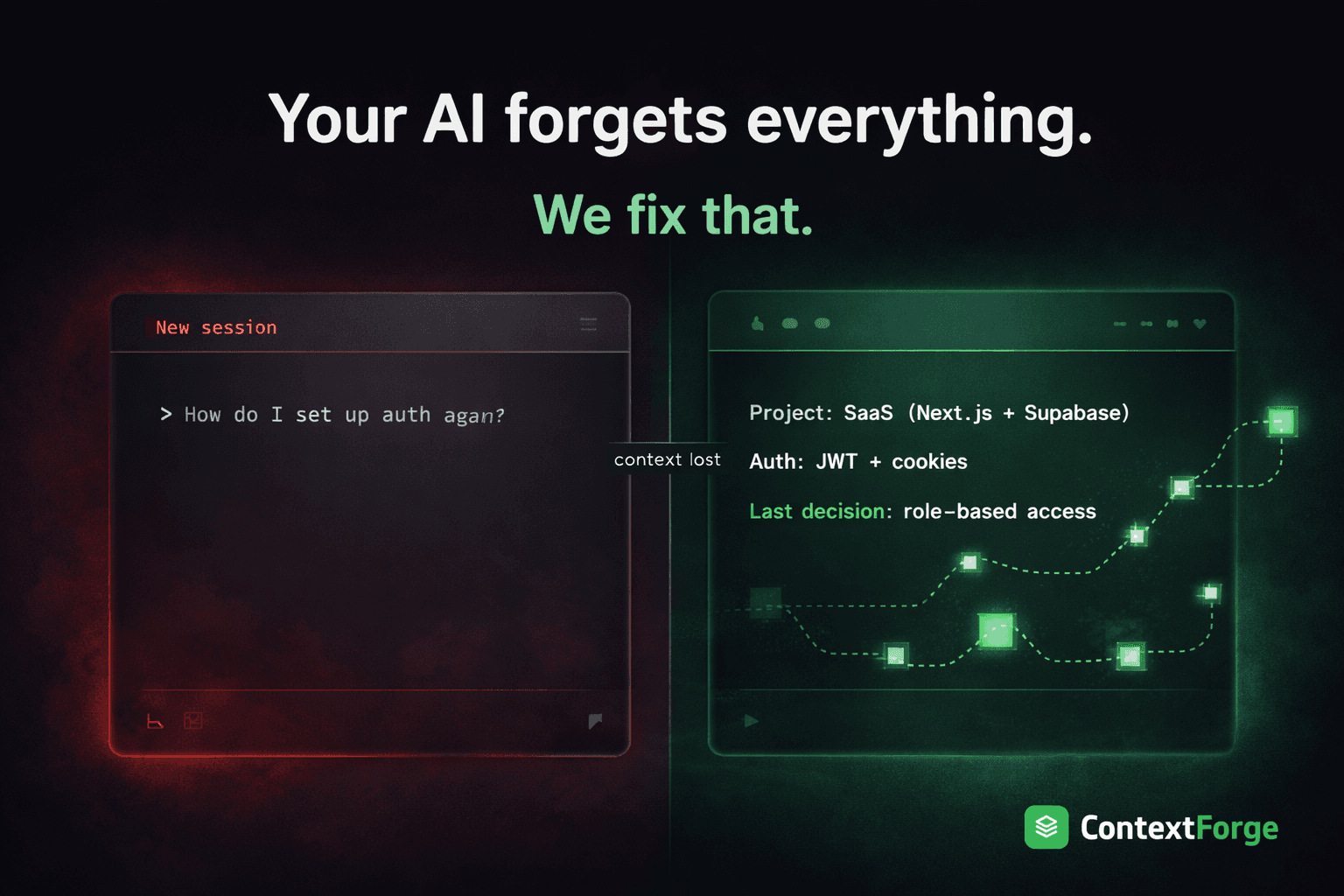
The AI you work with at 5 PM is brilliant and informed. The AI you meet at 9 AM the next day has total amnesia.
This matters more than model quality, autocomplete speed, or pricing. Because the real productivity killer isn't slow code generation — it's the 15-20 minutes you spend re-establishing context at the start of every session.
What MCP Changes
MCP (Model Context Protocol) is a new standard that all three tools now support. Think of it like USB for AI — a universal way to plug external capabilities into any AI tool.
Before MCP, if you wanted your AI to access a database, a project management tool, or a memory system, each tool had its own custom integration. Now, any MCP-compatible tool works with any MCP-compatible service.
This is significant because it means the gap we've been talking about — persistent memory — can be filled by an external tool that works across all three.
Filling the Gap: Persistent Memory
This is where tools like ContextForge come in. It's an MCP server that gives your AI persistent memory — and because it uses MCP, it works with Claude Code, Cursor, and Copilot equally.
The idea:
- Save important knowledge as you work (decisions, patterns, debugging notes, business rules)
- Search it later using natural language — the search understands meaning, not just keywords
- Organize it by projects and categories so it scales as your knowledge grows
- Share it across your team so everyone benefits from collective knowledge
Because it's external to all three tools, your memory follows you. Debug something in Claude Code on Monday, and that knowledge is available in Cursor on Tuesday and Copilot on Wednesday. Same knowledge, any tool.
The latest update even includes relationship-aware search — you can connect related items together, and when you search for one topic, related knowledge surfaces automatically.
The Best Setup (What I Actually Use)
Here's what I've landed on after months of experimentation:
- Claude Code for complex tasks — architecture planning, multi-file features, deep debugging. Its reasoning is unmatched.
- Cursor for daily coding — editing, refactoring, navigating large codebases. The IDE experience is smooth.
- Copilot as a background assistant — autocomplete while I type, quick suggestions that keep me in flow.
- ContextForge as the memory layer across all three — every insight, decision, and debugging note saved once, searchable everywhere.
This matches the industry trend. Surveys show developers use 2.3 AI tools on average, because each has a sweet spot. The key is making sure knowledge doesn't get trapped inside any single one.
Making Your Choice
If you're choosing one tool:
- Copilot if you want something low-friction that works in your existing editor
- Cursor if you want the best codebase awareness and IDE experience
- Claude Code if you tackle complex, multi-step tasks that need deep reasoning
If you're choosing what matters most for productivity: pick any tool, but add a memory layer. The tool comparison matters less than whether your AI remembers what you taught it yesterday.
ContextForge adds persistent memory to Claude Code, Cursor, and GitHub Copilot via MCP. Free to start at contextforge.dev.
Share this article